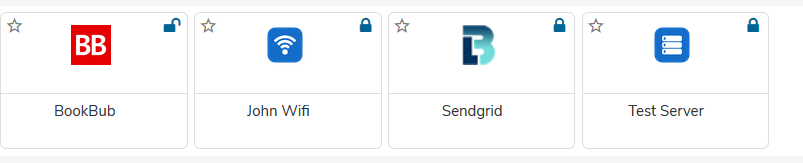
Click on Add New icon.

User can add their own:
- App Password
- Server Information
- Wi-fi Password
Adding App Password
- Select App password option in drop down.
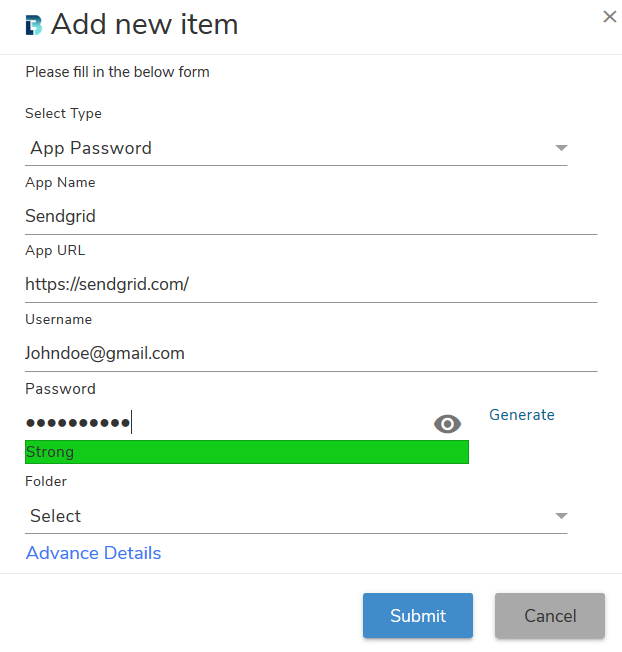
- Enter app details and click on Submit button to save details.
- You can also add more information such as description, app category, subcategory in the Advance Details section.
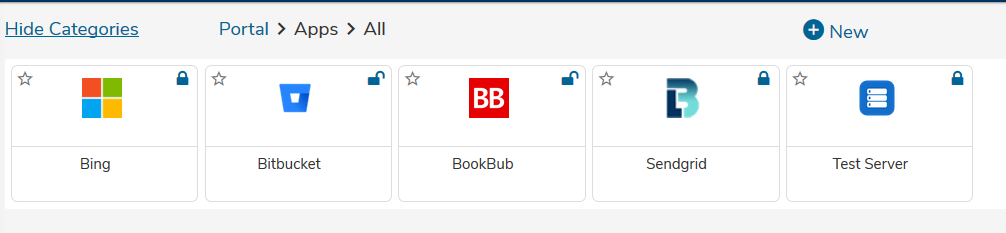
- App password will get added in My Apps folder.

Adding Server Information
- Select Server Information in Select Type dropdown.
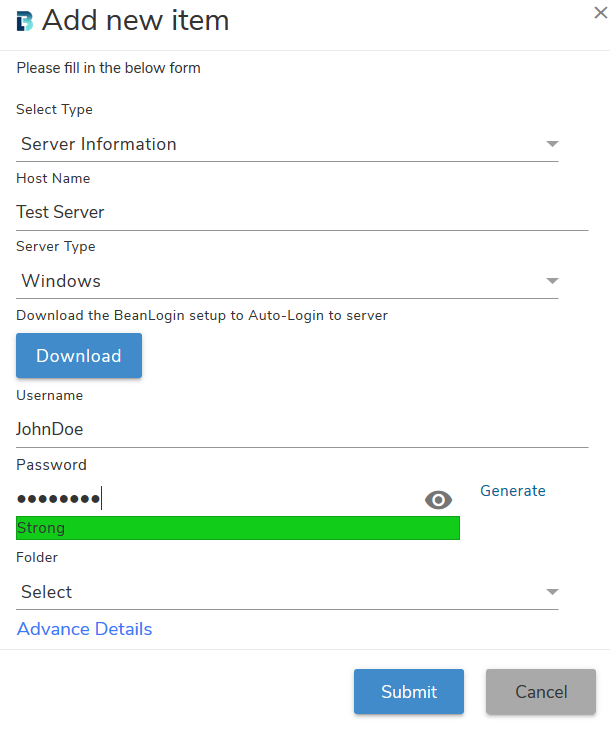
- Enter server information. Download BeanLogin setup as per server type, for Auto-Login server.
- Click on Submit button to save details.
- Server information will get added in My Apps folder.
Adding Wi-fi Password
- Select Wi-fi Password in Select Type dropdown.
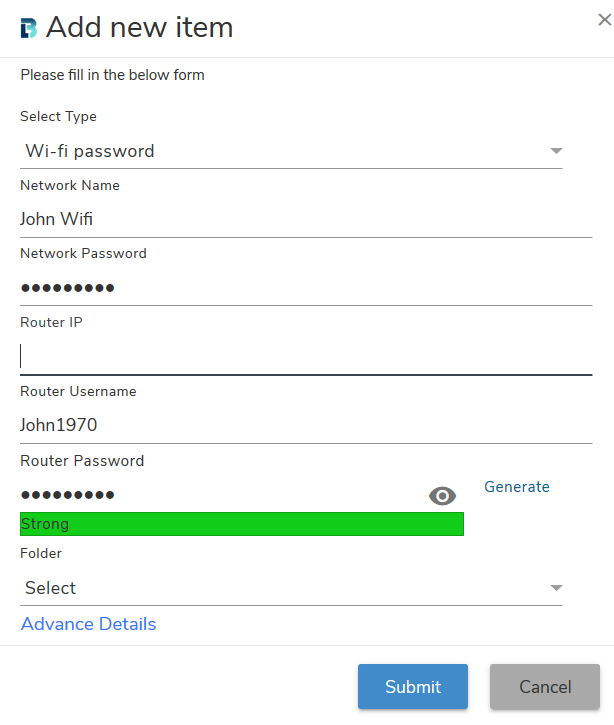
- Enter Wi-fi details and click on Submit button to save details.
- Wi-fi information will get added in My Apps folder.