Rename Notebook
- Select Notebook which you want to rename. Click on three dots (…).
- A small pop up will appear.
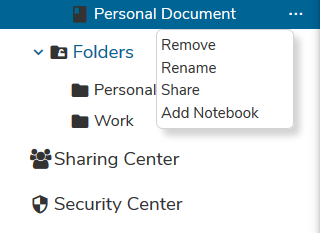
- Click on Rename option.
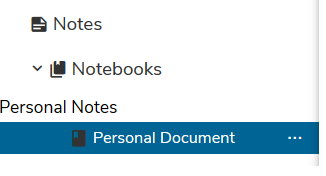
- Rename Notebook and press Enter key of the keyboard. The notebook will get renamed.
Remove Notebook
- Select Notebook which you want to remove. Click on three dots (…).
- A small pop up will appear.
- Click on Remove option. Confirmation pop up will appear.
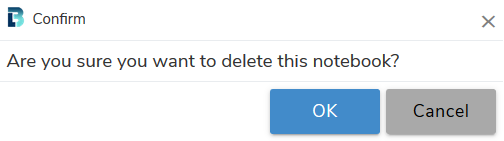
- Click on OK button to remove the Notebook.
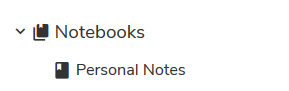
- A Notebook will get removed.